DOWNLOAD. COMPETE. WIN.
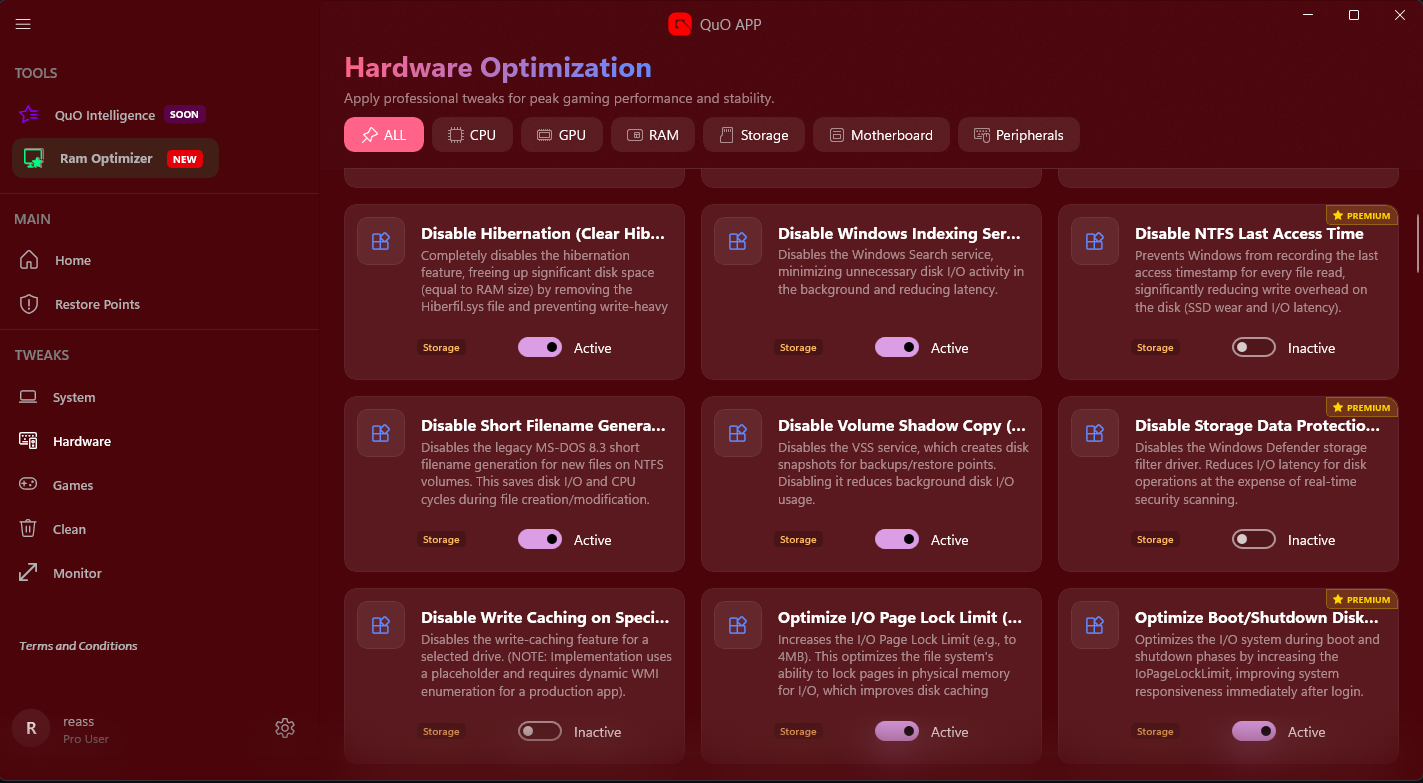
Get the foundational QuO optimization package. Your download includes essential Windows fixes, RAM management, and input tweaks.
Finish
Downloading
Your download will start automatically after the countdown.
Run the
Installer
Run installer and wait for it to finish the optimization setup.
Open QuO
Application
Open QuO and authenticate through your preferred browser.
*QuO is a native Windows executable. Standard antivirus warnings may apply due to system registry access.
Minimum System Specs
-
Operating SystemWindows 10 / 11 (x64)
-
RAM2 GB (Minimum)Optimized for low-spec systems.
-
Free Disk Space200 MB
-
Internet ConnectionRequired (for updates)
The QuO Promise
Guaranteed Reversibility
A full system restore point is automatically created before any kernel-level modification.
No Spyware, No Ads
QuO is built by gamers for gamers. We only optimize, never compromise your privacy.
Compatibility Check
The software performs a compatibility check on launch to prevent errors on unsupported systems.